Banking App – Unlock smarter banking
This project aims to design a user-friendly, intuitive, and secure online banking app that helps users manage their finances with ease and confidence.
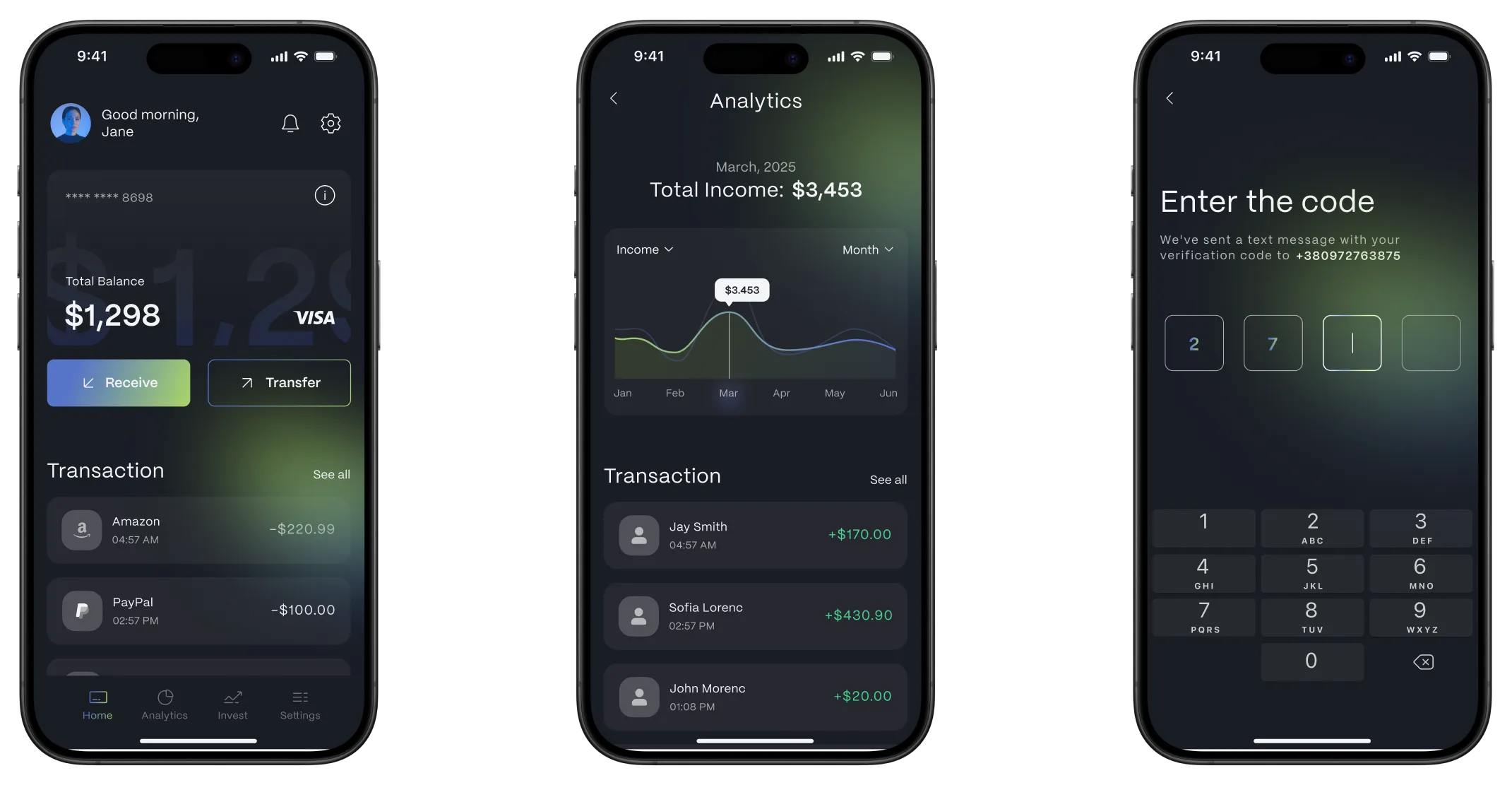
Main project goal
To create a simple, fast, and transparent banking experience that empowers users to control their money.
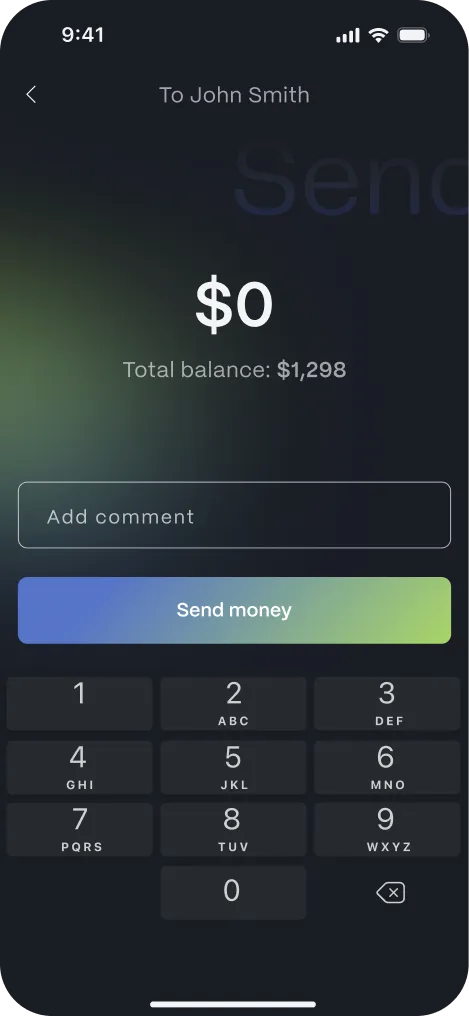
Interface complexity issues
Complex and unclear interfaces cause confusion, increase cognitive load, and lead to user dissatisfaction.
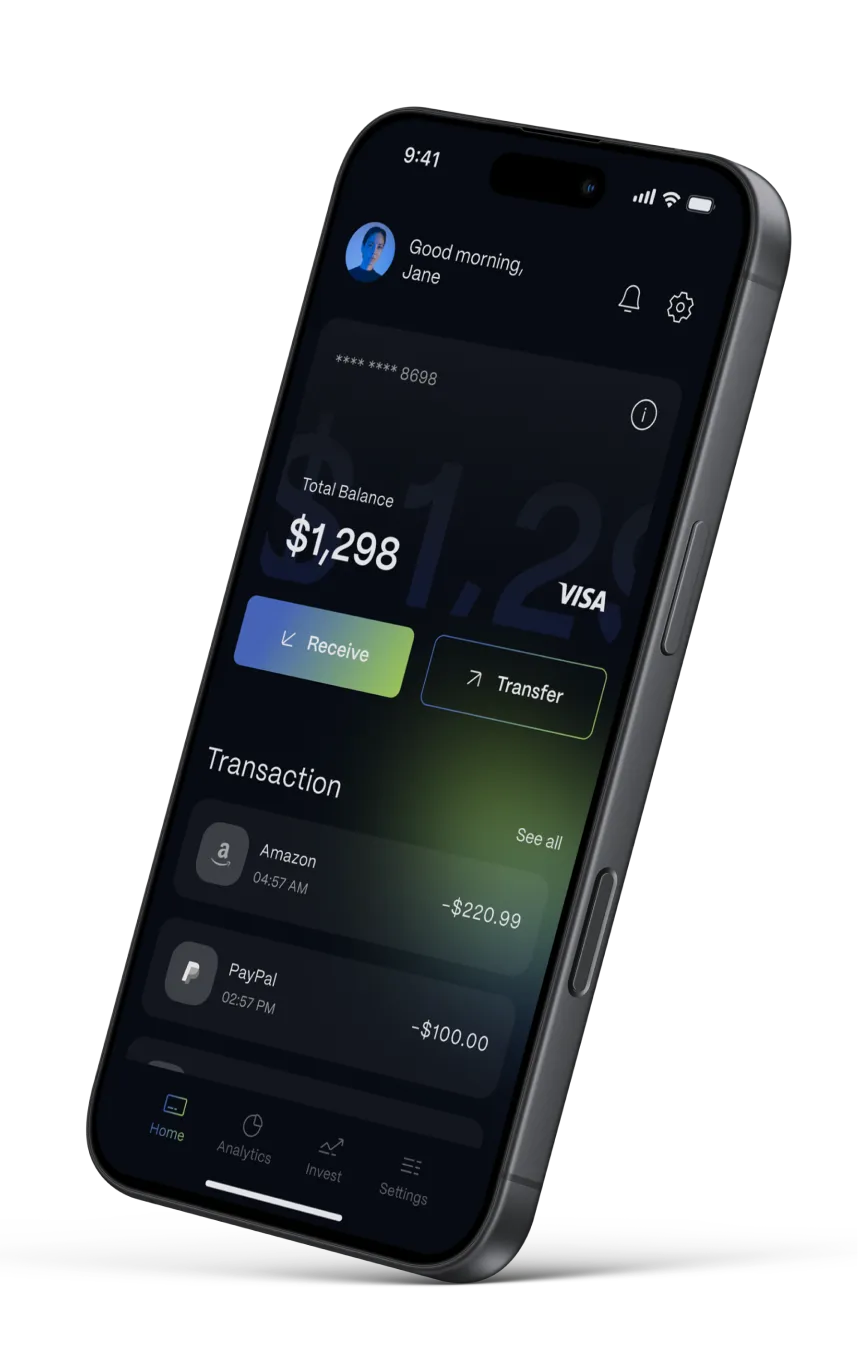
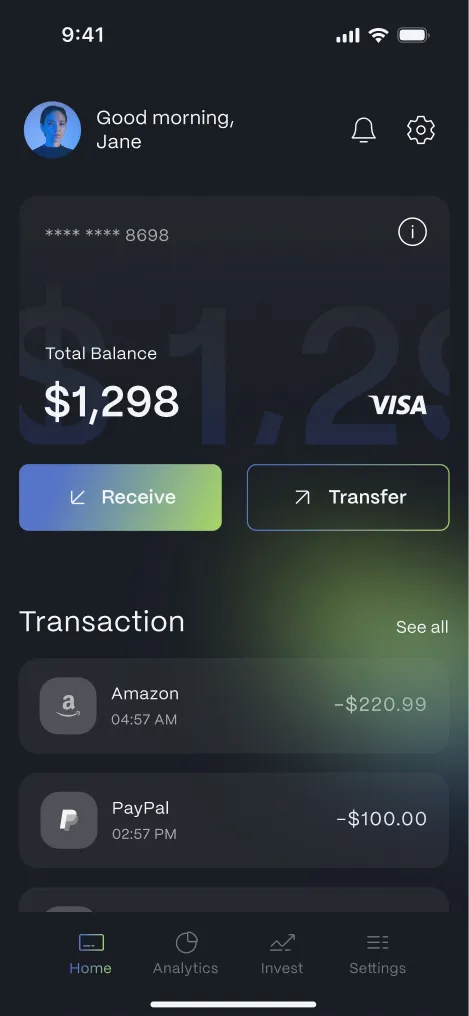
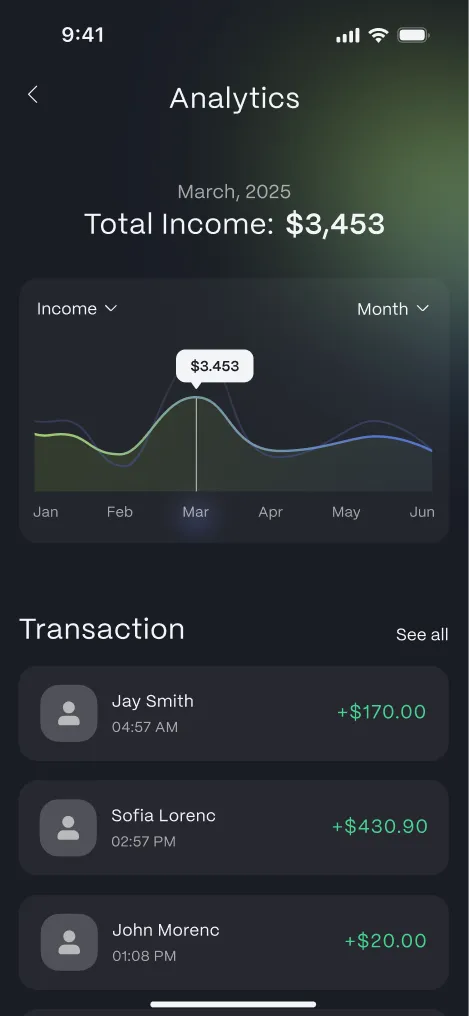
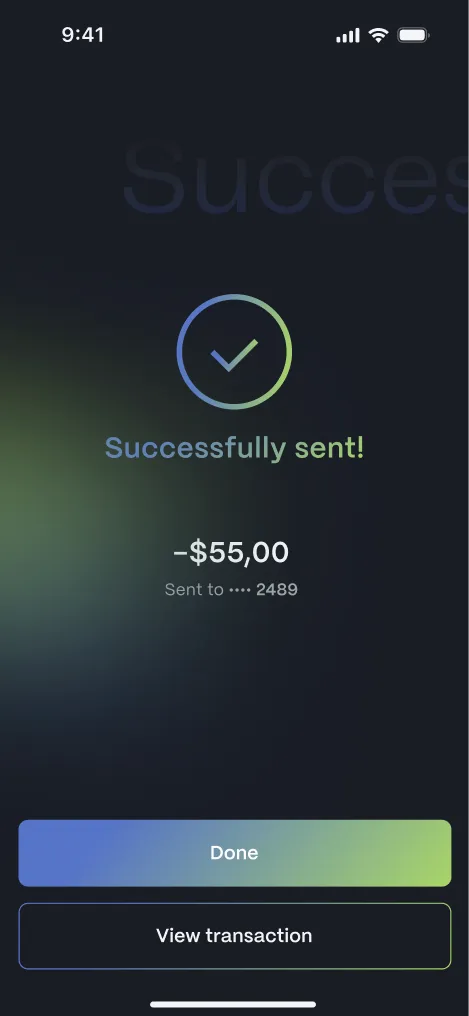
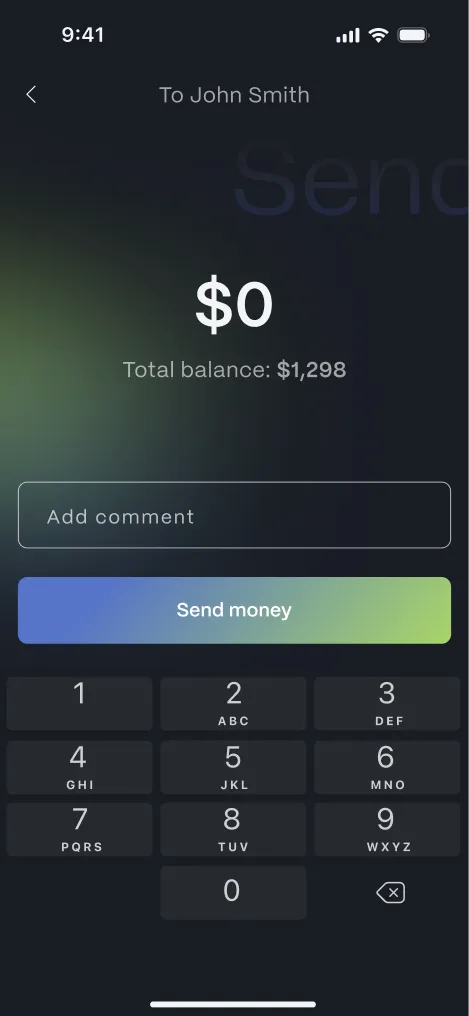
Сreated the screens with a clean, minimal structure and intuitive navigation to help users focus on core actions. Primary actions are emphasized through subtle color accents, while secondary elements remain visually quiet.
This approach improves usability, clarity, and overall user confidence when interacting with the app.
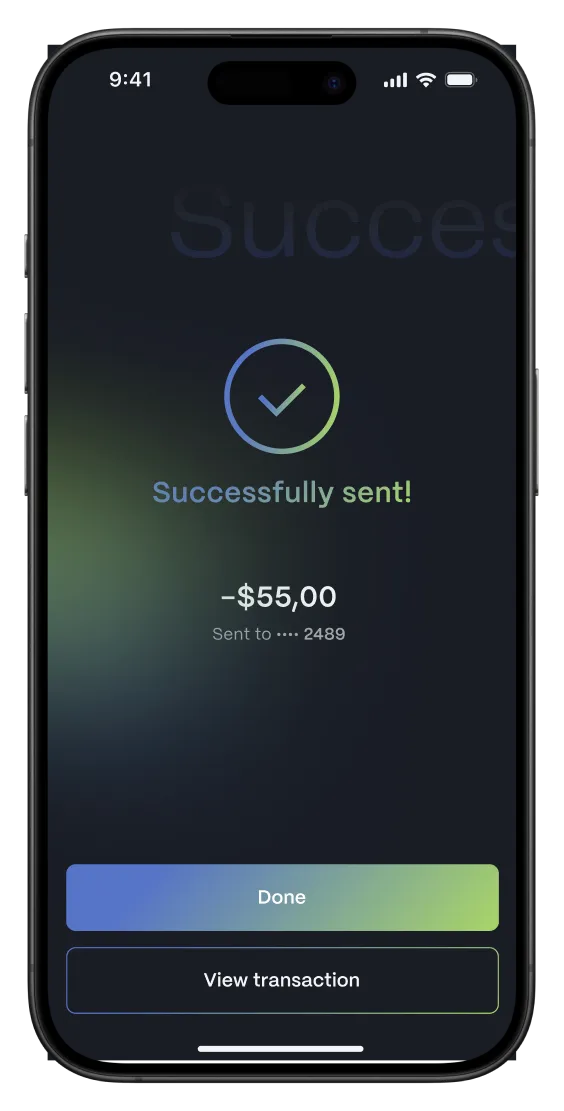
Onboarding friction
Lengthy and complicated registration or verification processes can discourage users from completing onboarding.
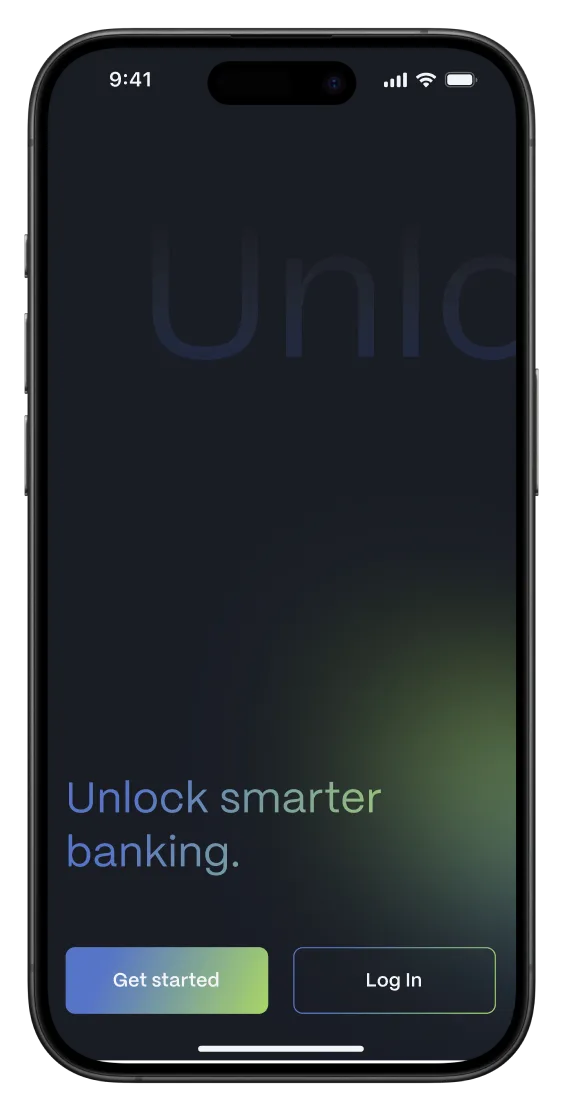
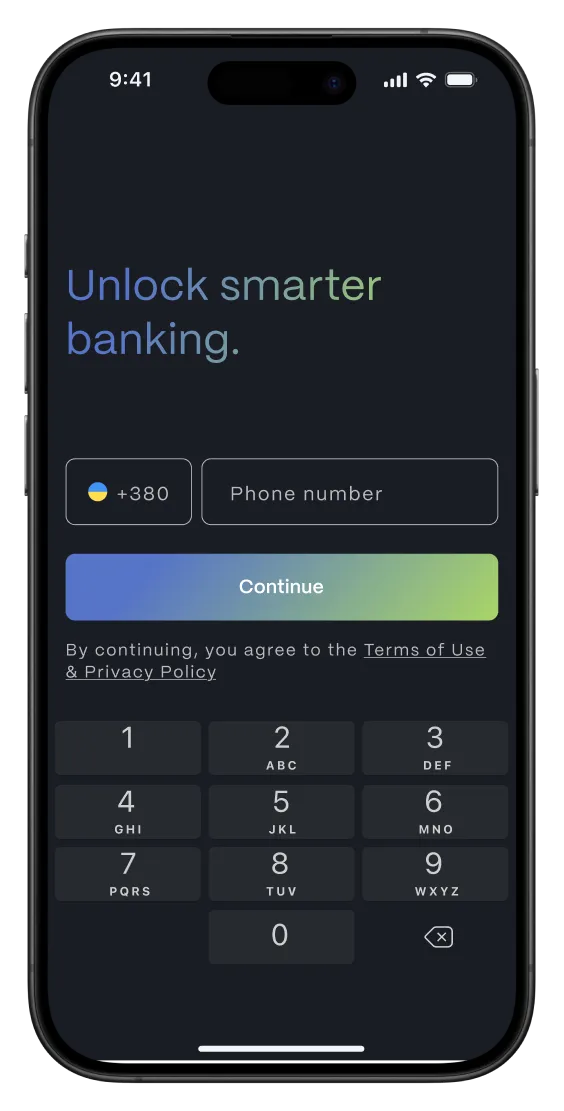
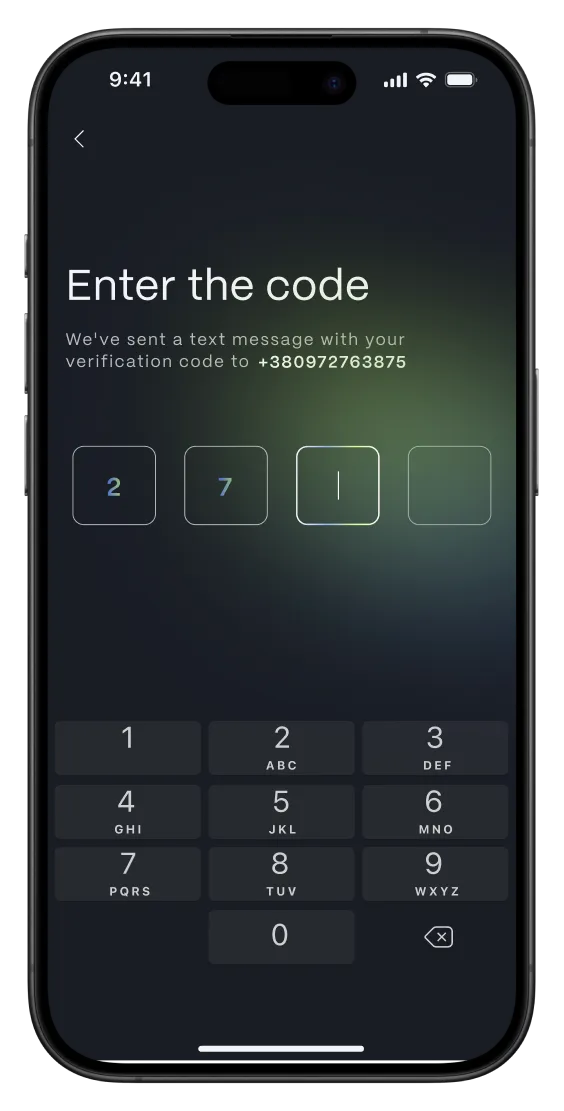
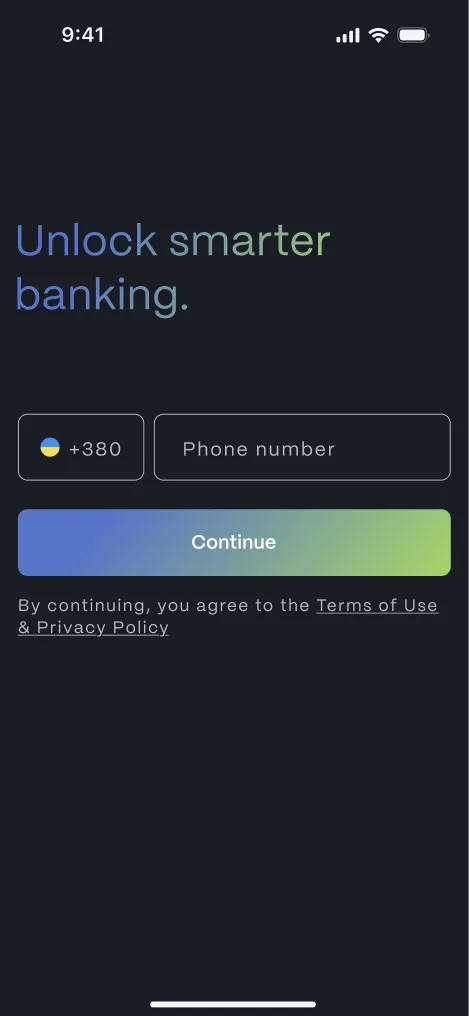
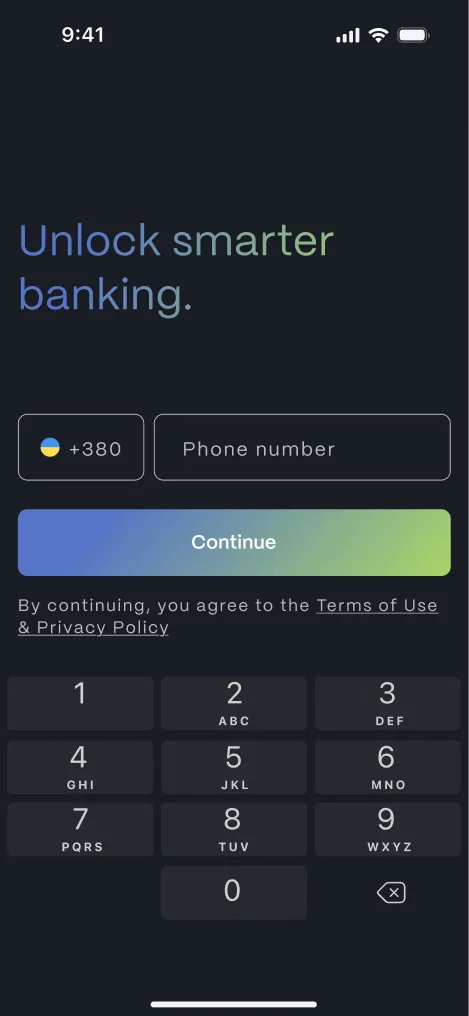
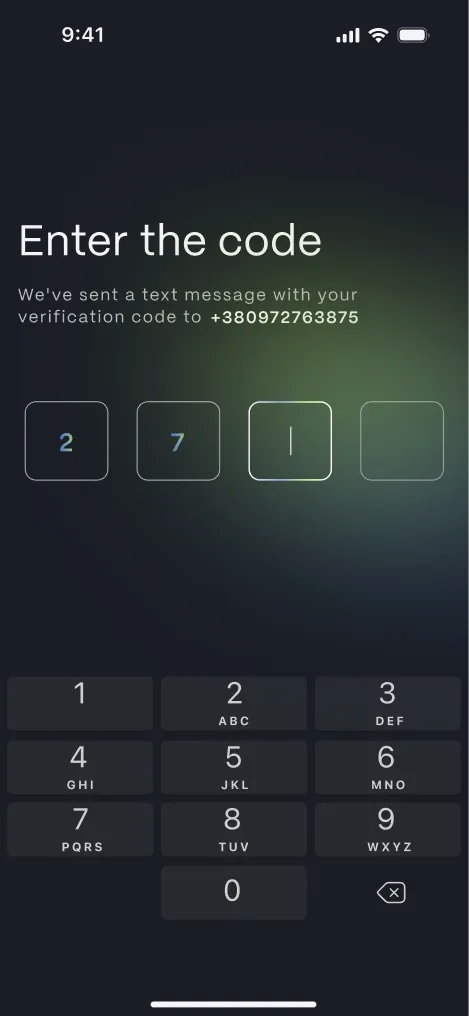
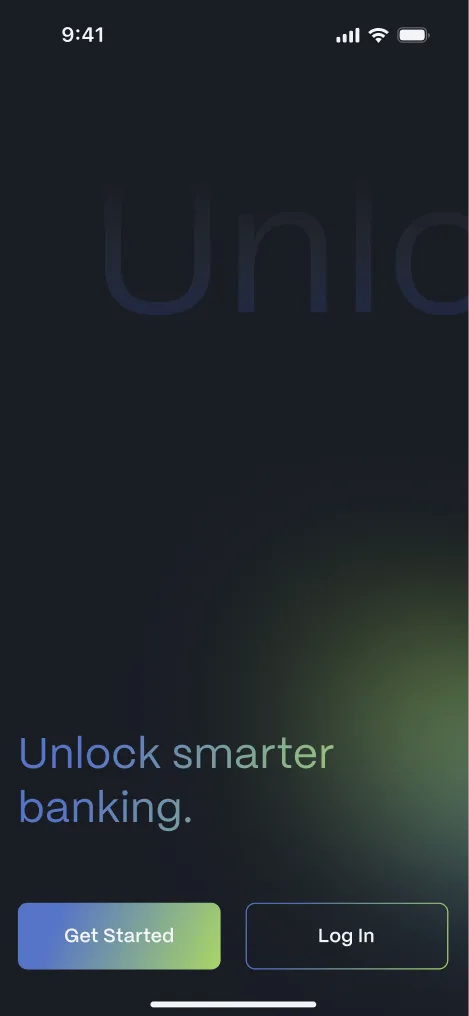
Optimized the onboarding flow by streamlining registration and verification processes, making them faster and more effortless.
This approach helps users access their accounts seamlessly while reducing friction and drop-off during the initial setup.
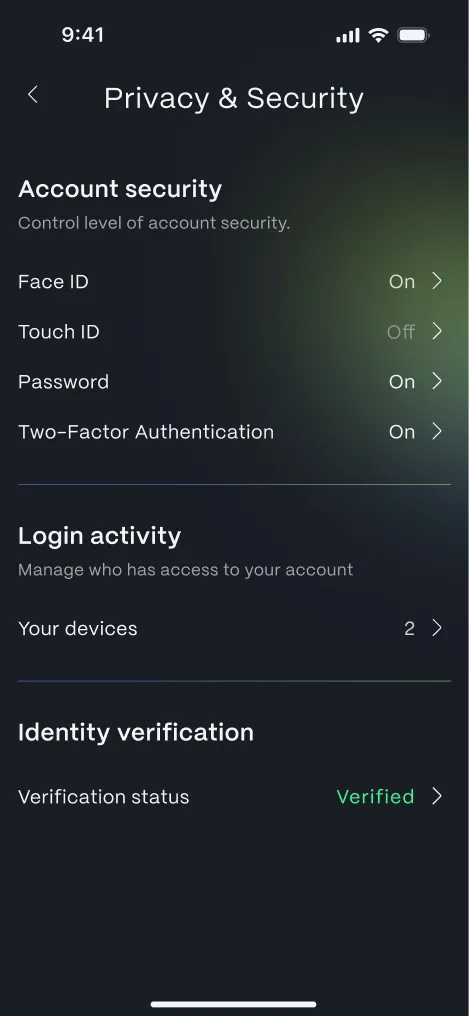
Security concerns
A significant number of users are worried about the safety of their personal and financial data in online banking.
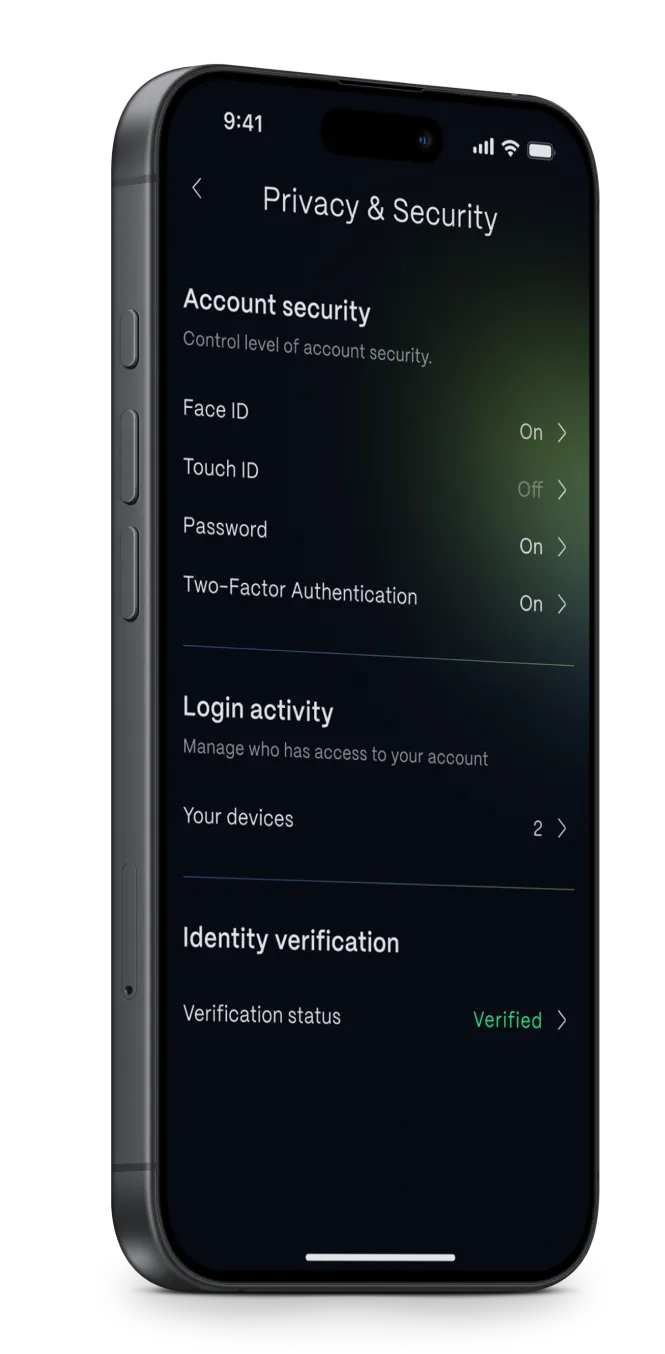
Security settings were designed to clearly surface and explain key protection features, including biometric authentication and two-factor authentication.
The screen is structured into logical sections, making security controls easy to understand and manage. Clear status indicators and concise labels help increase user trust and confidence in account protection.
Typography & Colors
PP Mori is a versatile and sophisticated gothic sans-serif typeface.
It features unique and subtle shapes with soft curves, giving it a distinctive yet modern character that stands out without sacrificing readability.
PP Mori
Aa
ABCDEFGHIJKLMNOPQRSTUVWXYZ
abcdefghijklmnopqrstuvwxyz
1234567890.,;?! / ABCabc123...
Deep dark tones provide a strong foundation associated with security and stability, while cool blue and green accents add a fresh, digital feel that communicates innovation and progress.
What’s next:
 Iconography for Smart Home app